
Bocavi · QR menus for restaurants

A digital menu
for your
restaurant.

Your guests scan a QR and see every dish with its photo, price and allergens. We build it, we host it, we update it for you. Nothing to install, nothing to reprint.

  • A photo on every dishand its price next to it
  • Allergens on every dishfrom your official menu, never guessed
  • Nothing to installa QR, a phone, done
  • Changes live in 2 business daysyou send it, we publish it

The menu, in four parts

A menu is the last thing a guest reads before they decide.

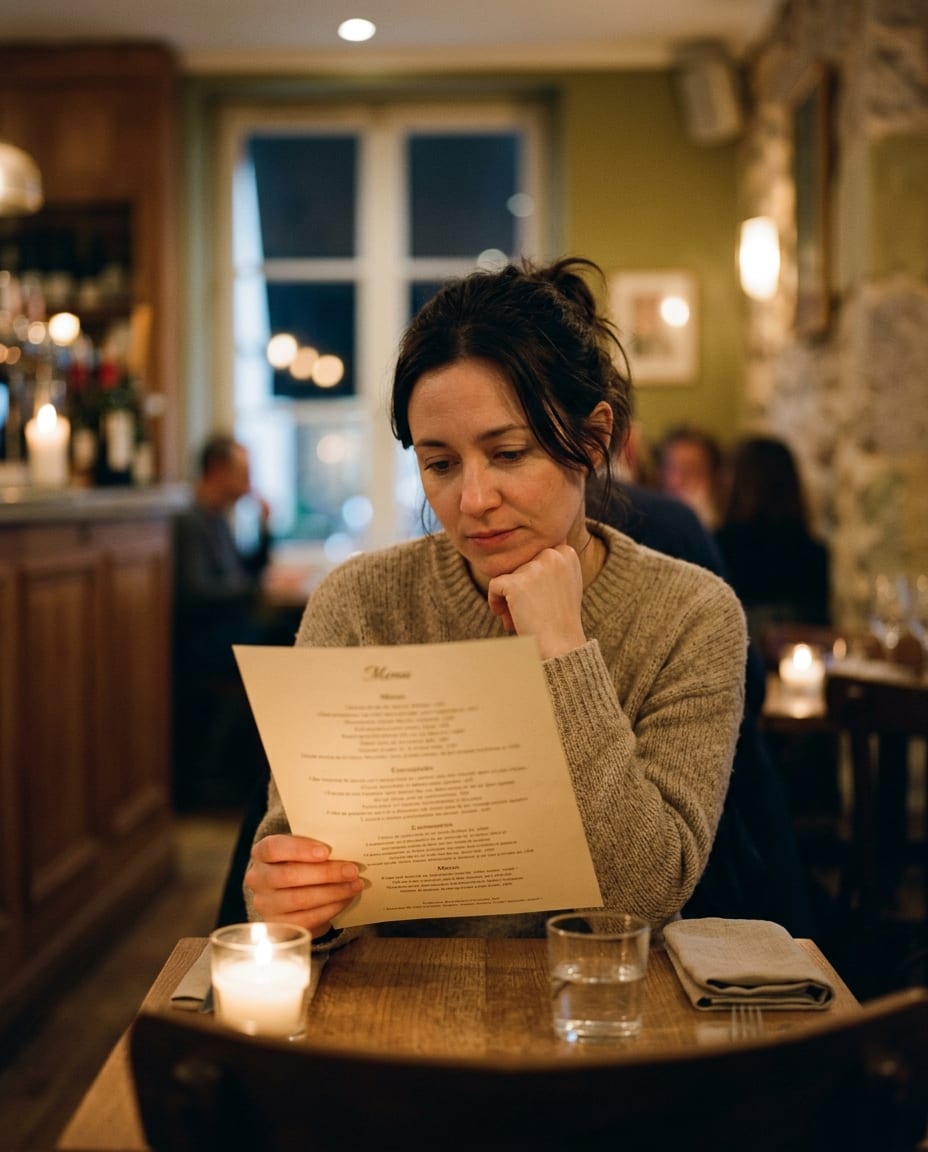
  1. A guest reading a text-only paper menu at a candlelit restaurant table, chin resting on her hand

    A guest reads the name of a dish and guesses.

    A paper menu can describe a dish but never show it. A guest who cannot picture the plate orders the safe one, which is rarely the one your kitchen is proudest of. And because reprinting costs money, the paper menu is usually a little out of date.

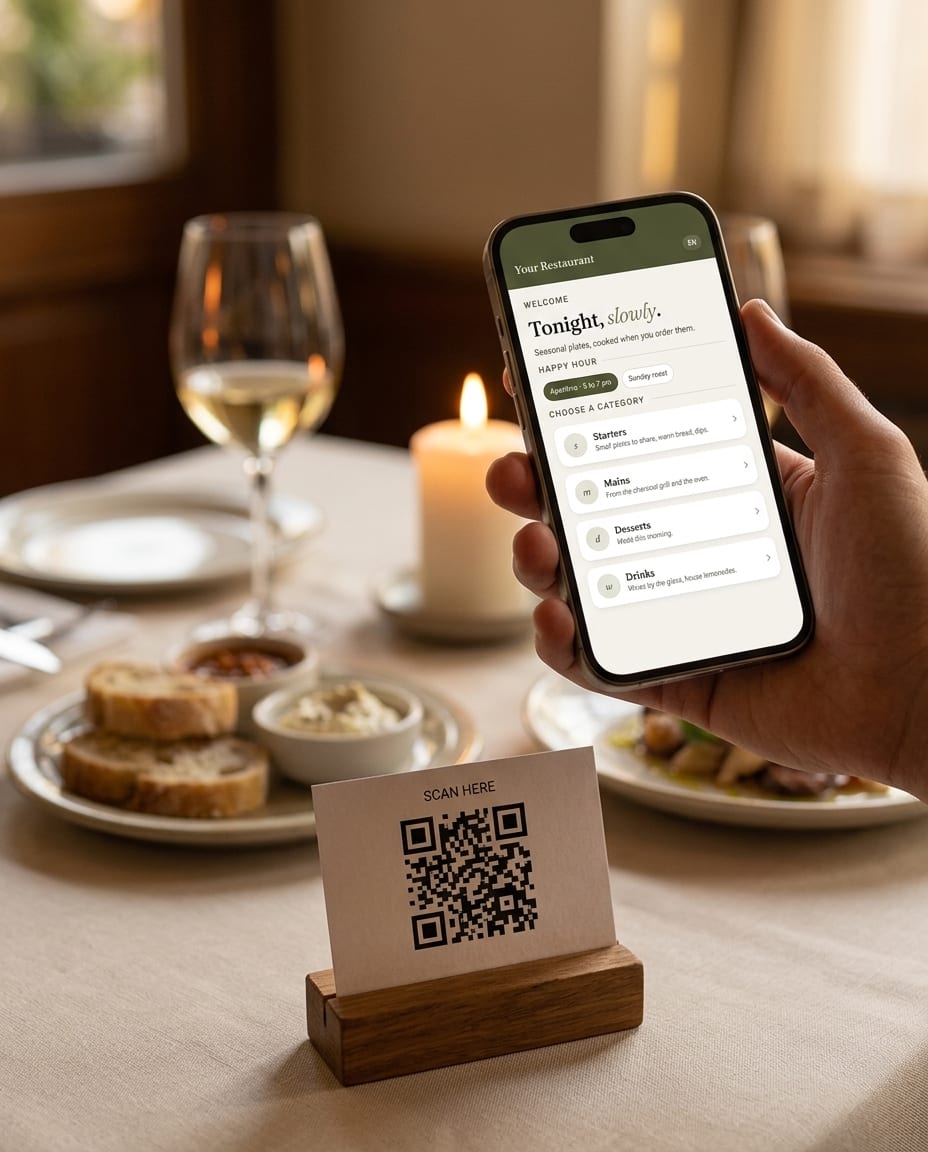
  2. A QR card on a restaurant table and, just above it, a hand holding a phone that has opened the Bocavi menu start page

    Point a phone at the table. See the food.

    Bocavi opens from the QR on the table, in the browser, with nothing to install. Each dish has a photo, a description and a price, and the bestsellers come first. Guests browse it the way they browse anything else on their phone.

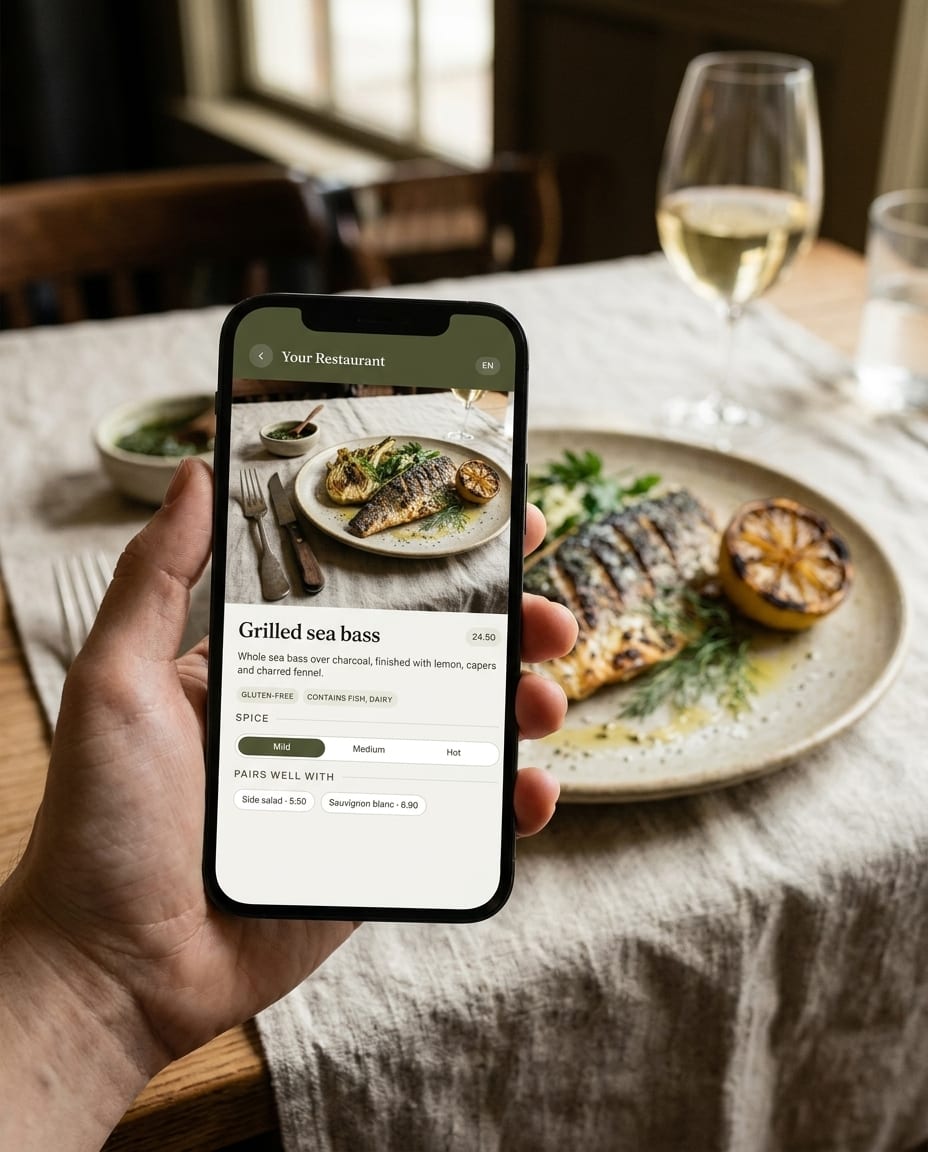
  3. A hand holding a phone with the Bocavi dish page for grilled sea bass, the same dish plated on the table behind

    Allergens, diets and spice, without calling the waiter over.

    Guests filter for vegan, vegetarian or alcohol-free in one tap. Every allergen comes from your official menu, and where the menu is unclear we ask you rather than guess. If your happy hours change by weekday, the menu shows the right one. If your guests speak three languages, so does the menu.

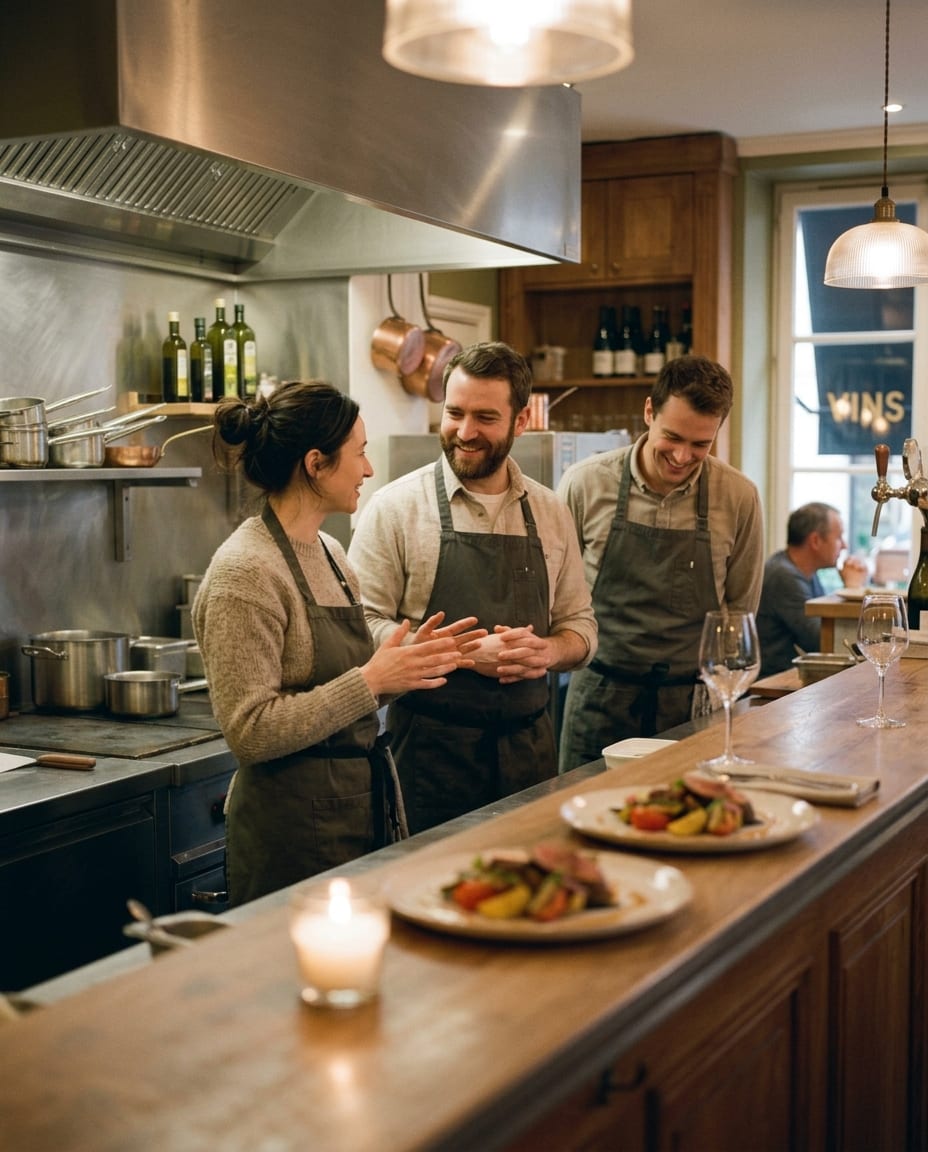
  4. Three restaurant staff in aprons talking at the pass before service, plated dishes waiting on the counter

    You send us the change. We publish it.

    You never touch the technical side. Send a new price or a seasonal dish and it is live within two business days. Your menu lives on your own domain, at menu.yourrestaurant.com.
In numbers

Bocavi, in numbers.

0 days from your menu and photos to a live menu with its QR on the tables
0 business days, at most, from your message to the change being live
0% of your dishes with a photo, a description and their allergens
0 languages, switched with one tap, when your guests need them
0 apps to install, menus to reprint, or logins for your guests

At the table

What changes when the menu can show.

One menu, four things it does for you. Keep scrolling and it shows each one. Want to tap it yourself? Open the demo.

  • Guests choose with their eyes. A dish with a good photo gets ordered more often than a dish with a good name.
  • Fewer questions about allergens and spice reach your staff, because the answers sit on the card.
  • Pairings and sides appear under each dish, so the second drink or the extra side gets asked for.
  • A price you change on Tuesday night is live on Tuesday night. Nothing gets reprinted.

How it works

From your menu to the table in three steps.

  1. 01

    You send

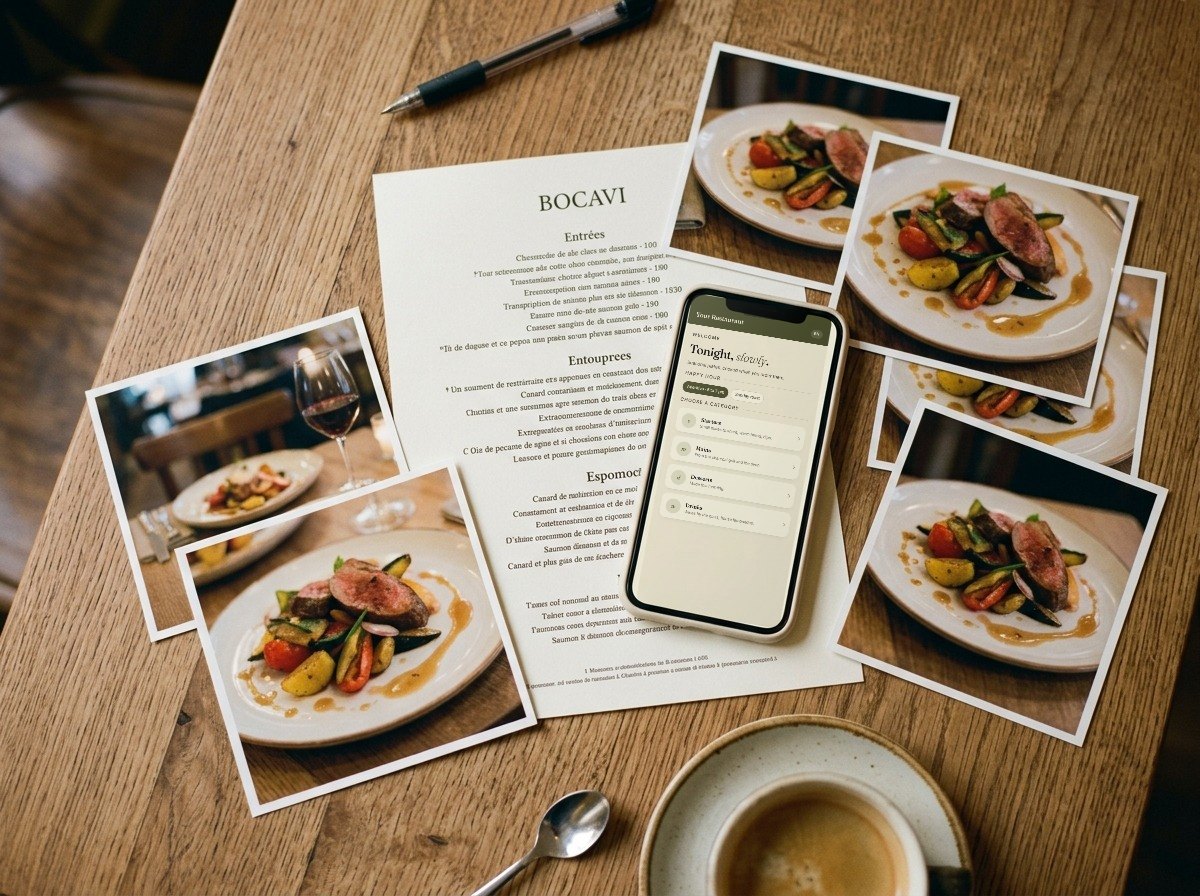
    Your current menu and the photos you have. We send you a short checklist of what we need, and we never photograph anything without asking.

    A printed menu, food photos and a phone showing the Bocavi start page, laid out on a wooden table
  2. 02

    We build

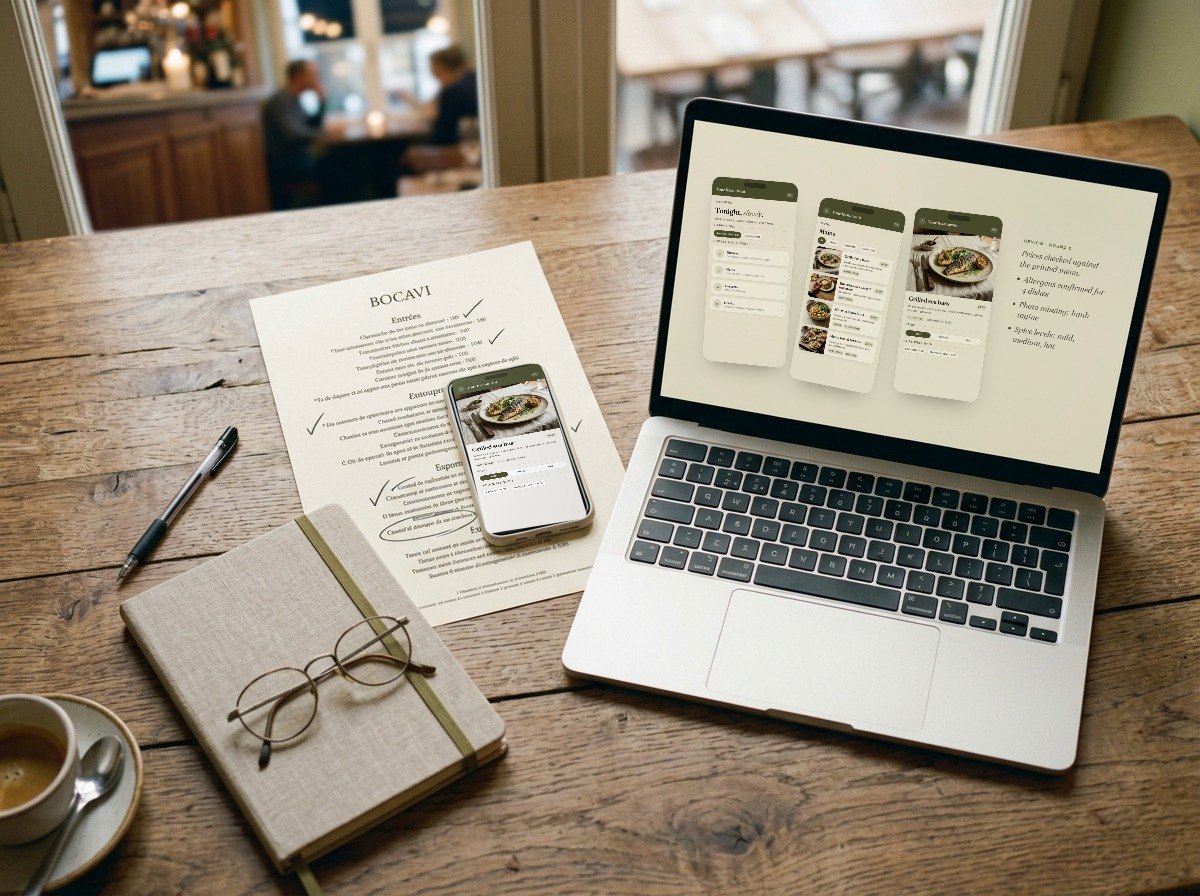
    Every dish, every price, every allergen, taken from your official menu. You review it on your own phone and we adjust until you say it is right.

    A laptop showing three Bocavi menu screens under review, a marked-up paper menu and a phone with a dish detail
  3. 03

    You go live

    Your menu on menu.yourrestaurant.com, with a QR ready to print. From then on you send changes and we publish them within two business days.

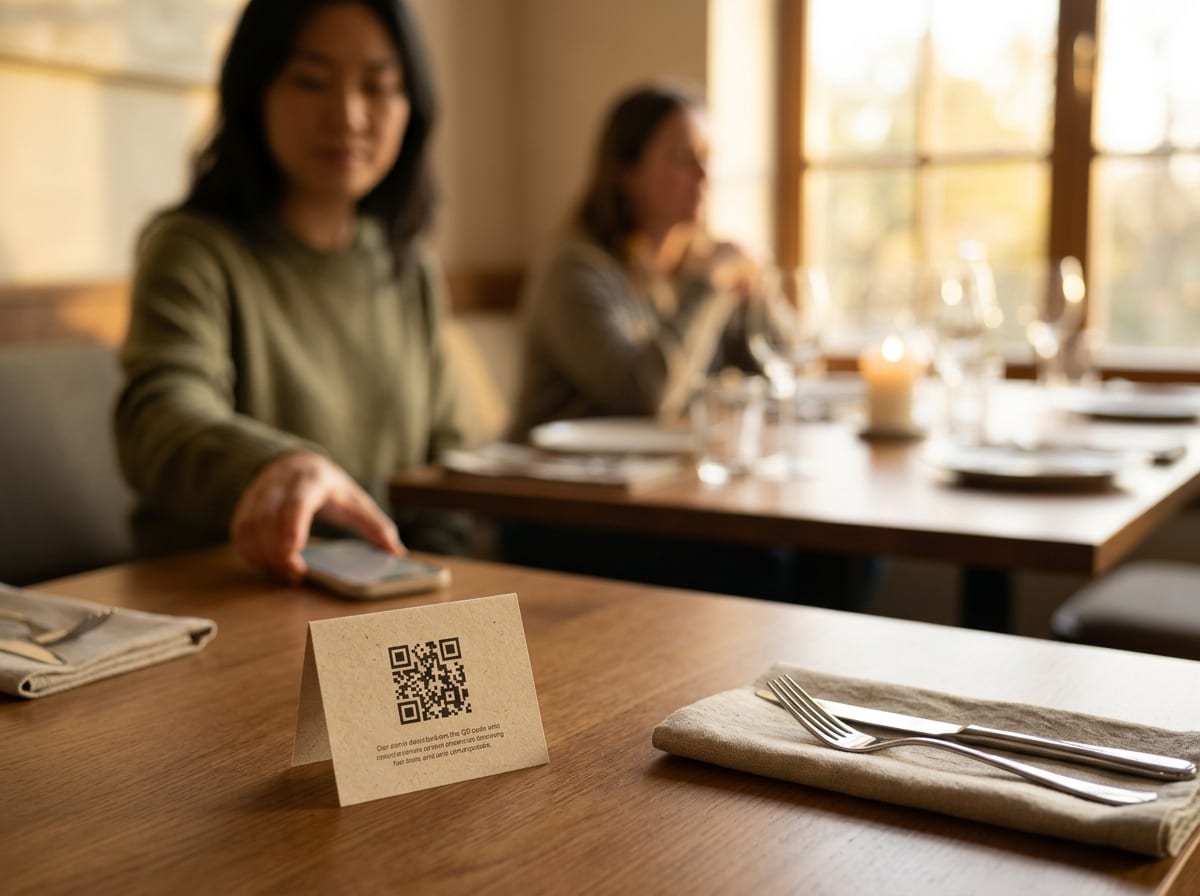
    A small QR card standing on a set restaurant table, a guest behind it reaching for her phone

Say hello

Tell us about your restaurant.

Five short fields. We reply within one business day with what a Bocavi menu would look like for you.

Start the conversation One reply from a person, and nothing else.
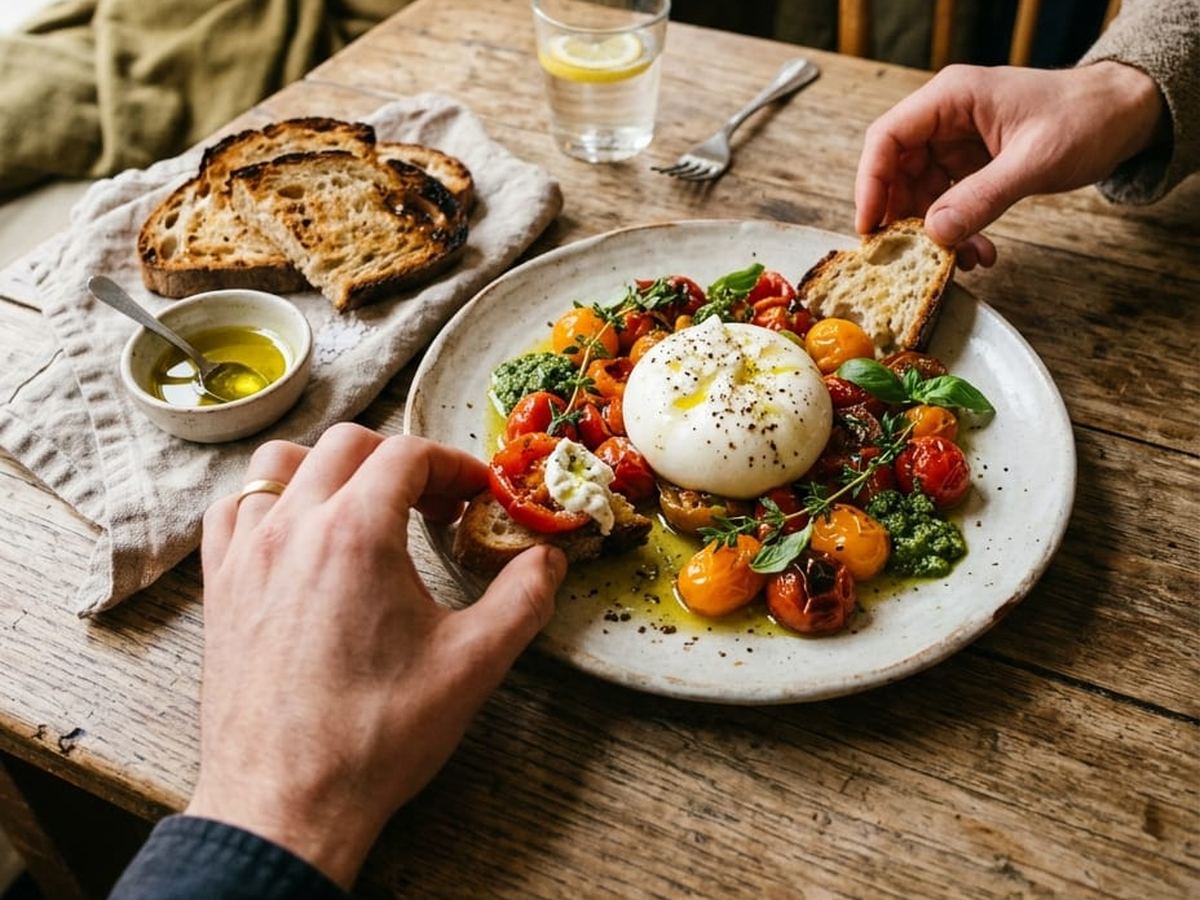
Two people sharing burrata and bread at a wooden restaurant table

Questions

Asked by owners, answered plainly.

Do my guests need to install anything?

No. They point the camera at the QR and the menu opens in the browser in about a second, without an app or a login.

How do I change a price or take a dish off?

You send us a message with the change and we publish it within two business days, usually much faster. Prices, availability, descriptions, new dishes and seasonal sections are all included.

Where does the menu live?

On your own domain, as a subdomain such as menu.yourrestaurant.com. It takes one DNS record from whoever runs your website, and it does not touch your existing site or your email.

What about allergens?

Every allergen is taken from your official menu or confirmed directly with you. Where your menu is unclear, we ask before publishing.

Do you need professional photos?

Good phone photos work well. We crop and prepare every image so it sits cleanly on its card. If you want new photography, we can plan it with you.

Can the menu be in more than one language?

Yes. A Bocavi menu can run in up to three languages, and guests switch with one tap.

What does it cost?

It depends on the size of your menu and on what you already have. Tell us about your restaurant below and we will come back with a clear proposal.